Deploy Test Application
Create namespace and install application
Let’s create a new namespace and deploy an application in that namespace. We will deploy a Wordpress application and MySQL database backed by persistent volumes.
Create a namespace called ‘staging’
kubectl create namespace staging
We will be using Amazon EBS CSI Driver to manage storage for this lab.
Copy/Paste the following commands into your Cloud9 Terminal.
mkdir -p ~/environment/backup-restore
cd ~/environment/backup-restore
wget https://eksworkshop.com/intermediate/280_backup-and-restore/backupandrestore.files/storage-class.yaml
kubectl apply -f storage-class.yaml
Deploy Wordpress and MySQL in the staging namespace
Create a kubernetes secret for MySQL DB password
kubectl create secret generic mysql-pass --from-literal=password=velerodemo -n staging
wget https://eksworkshop.com/intermediate/280_backup-and-restore/backupandrestore.files/mysql-deployment.yaml
wget https://eksworkshop.com/intermediate/280_backup-and-restore/backupandrestore.files/wordpress-deployment.yaml
Deploy MySQL and Wordpress
kubectl apply -f mysql-deployment.yaml -n staging
kubectl apply -f wordpress-deployment.yaml -n staging
Verify deployment
kubectl get deployments -n staging
Output should look like below:
NAME              READY   UP-TO-DATE   AVAILABLE   AGE
wordpress         1/1     1            1           14m
wordpress-mysql   1/1     1            1           19m
Verify Persistent Volume Claims
kubectl get pvc -n staging
Output should look like below:
NAME             STATUS   VOLUME                                     CAPACITY   ACCESS MODES   STORAGECLASS   AGE
mysql-pv-claim   Bound    pvc-babeabd3-327d-4d36-a1d9-840db1a816e1   20Gi       RWO            staging        20m
wp-pv-claim      Bound    pvc-fa71cb55-052f-484b-80c9-a55e7fb27aae   20Gi       RWO            staging        16m
Access Wordpress using the load balancer created by the Service.
kubectl get svc -n staging --field-selector metadata.name=wordpress -o=jsonpath='{.items[0].status.loadBalancer.ingress[0].hostname}'
The output should return the load balancer’s url
a0b567aecbcf64494b68b081156ed6b5-1367665471.us-west-2.elb.amazonaws.com
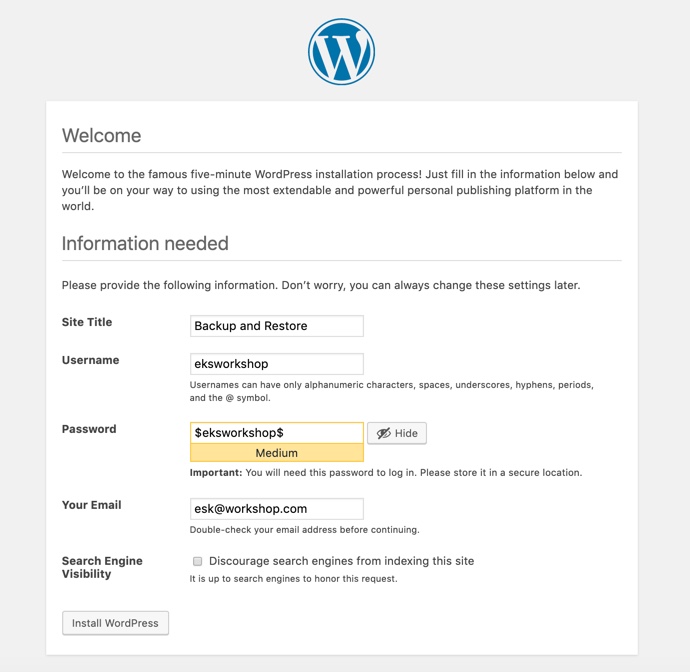
Access the wordpress application at the load balancer url and create wordpress admin username and password.
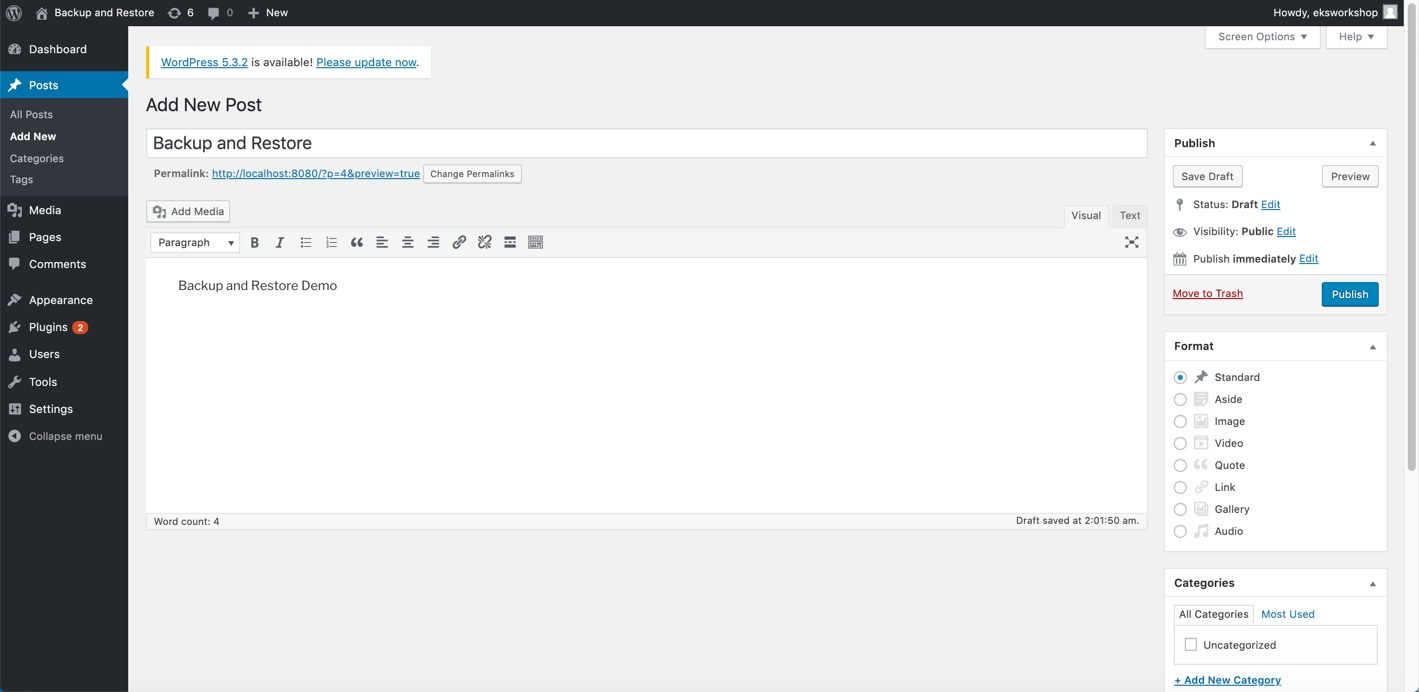
Create a blog post for testing and publish it
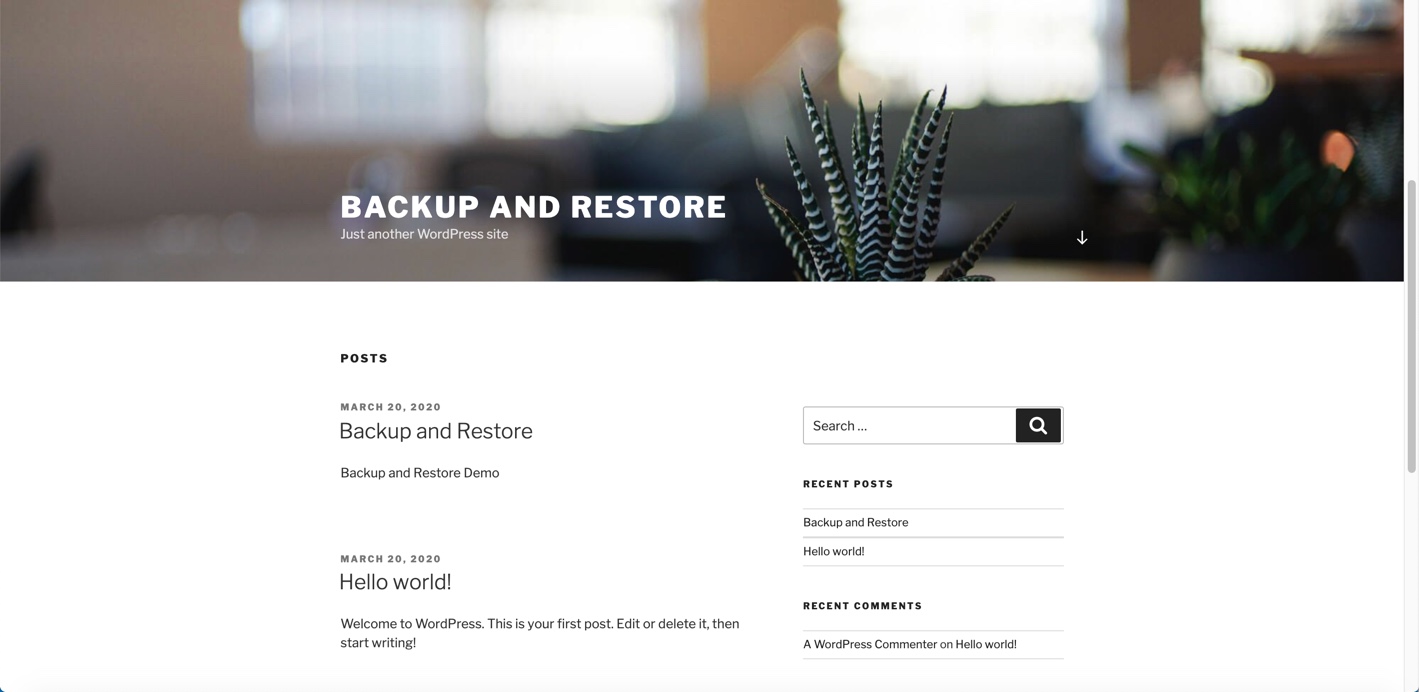
Logout and test the published blogpost